


A tale as old as time: your learning and development (L&D) team spends months creating a learning program only to have lackluster results. It's frustrating, right?
Fortunately, you don't have to lament low engagement and long lead times. The right enterprise learning management system (LMS) will boost interest among your users and save your L&D team time.
But which enterprise LMS is best for you? Choosing an LMS today isn’t just about features. It’s about whether your learning system gets smarter, or stays static.
This guide explores the top seven best enterprise LMSs built for the needs of modern businesses. From AI-powered course creation to seamless mobile learning, discover the features and strengths that can help you choose a training platform that supports your organization.
7 best enterprise LMS
Choosing an LMS is easier said than done. Below is our list of the top ten best LMS for corporate training in 2026 based on features, user experience, and industry acclaim.
1. Absorb LMS
Best for organizations that need an AI-driven LMS
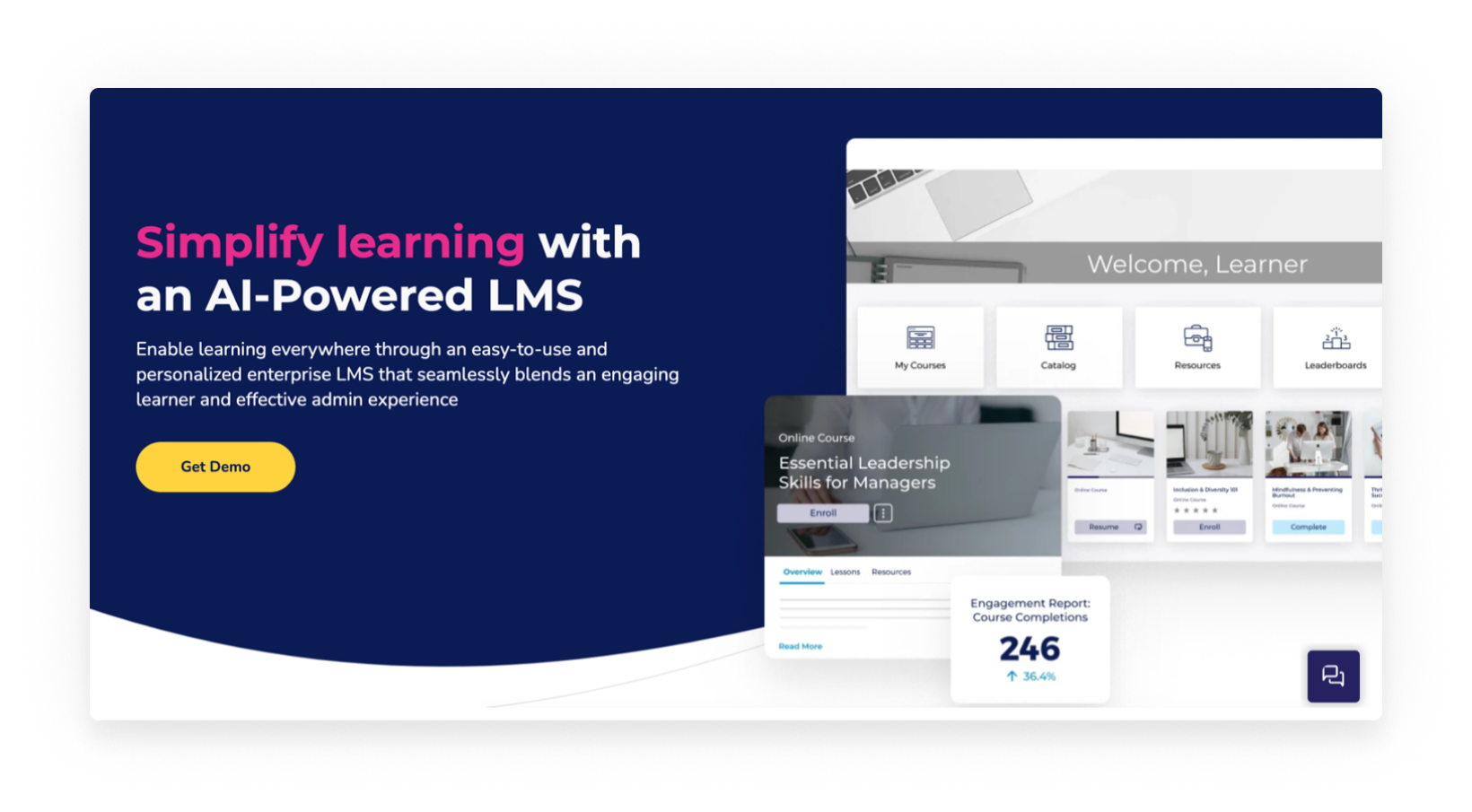
Ranking at the top of our list is Absorb LMS (hi, readers nice to meet you), a cloud-based learning management system designed to inspire learning and drive productivity in the corporate learning space. With an impressive G2 rating and numerous positive reviews, Absorb has garnered acclaim as the best enterprise LMS for its generative AI course builder, user-friendly interface, and reliable support (among other features). Lastly, the platform is built to support a range of external learners including customers, partners, vendors, and contractors.
Key features of Absorb:
- AI-native learning: One capability resetting the standard in enterprise LMS comparisons is Aura — Absorb’s AI-native LMS intelligence layer. While most platforms bolt AI on, it’s built right into Aura. That means it doesn’t just generate content or automate tasks. Rather, it operates inside the learning loop to check what learners know, guide them in real time, and continuously map their learning activity back to business outcomes. That shift forces an imperative question: “Does the system’s AI capabilities close the loop from learning to performance?” Increasingly, this is what matters.
- Intuitive platform: Easy-to-use is often a highly underrated feature. Absorb LMS makes it simple for users to learn with an engaging, personalized platform. Plus, the system allows administrators to manage day-to-day tasks seamlessly with Intelligent Assist, an AI-powered set of capabilities designed to simplify admin tasks.
- Integrations: Great for companies who want to fit learning into existing software, Absorb integrates its LMS into key business applications like human capital management (HCM) systems, customer relationship management software, communication applications, and more.
- Customer support: When you choose an LMS, it’s more than a transaction – it's the beginning of a partnership. Absorb Support is available 24/7 and is managed 100% in-house, so you’ll always be in touch with someone who understands the product and your issue.
2. Docebo
For companies looking for a versatile platform

Next on our list is Docebo – this system caters to many different learning needs. Its platform enables organizations to support internal or external learning and can scale to accommodate a growing number of users and content.
Key features of Docebo:
- Robust content management: Upload and manage a wide variety of content types, such as eLearning courses, videos, and documents, with Docebo's easy-to-use content management system.
- Social and collaborative learning: Implement interactive learning experiences by facilitating knowledge sharing, skill development, and collaboration among users.
- Mobile learning support: Docebo's mobile app enables learners to access training materials from anywhere and on any device, promoting continuous learning.
3. TalentLMS
Best for budget-conscious businesses

Coming in third is TalentLMS, a solid option for organizations on a budget. Talent LMS offers tiered pricing plans with a well-regarded free version. This allows companies to try the platform before committing and choose a plan that fits their user base without overspending.
Key features of TalentLMS:
- Focus on simplicity: Talent LMS is known for its user-friendly interface and ease of use.
- Straightforward tools: While Talent LMS offers many valuable features, it avoids overly complex functionalities that some companies might not need. This keeps the cost down and ensures users aren't overwhelmed.
- Mobile-friendly platform: The learning system offers a mobile app that allows learners to access courses and training materials on the go.
4. Litmos LMS
For companies needing an out of box solution
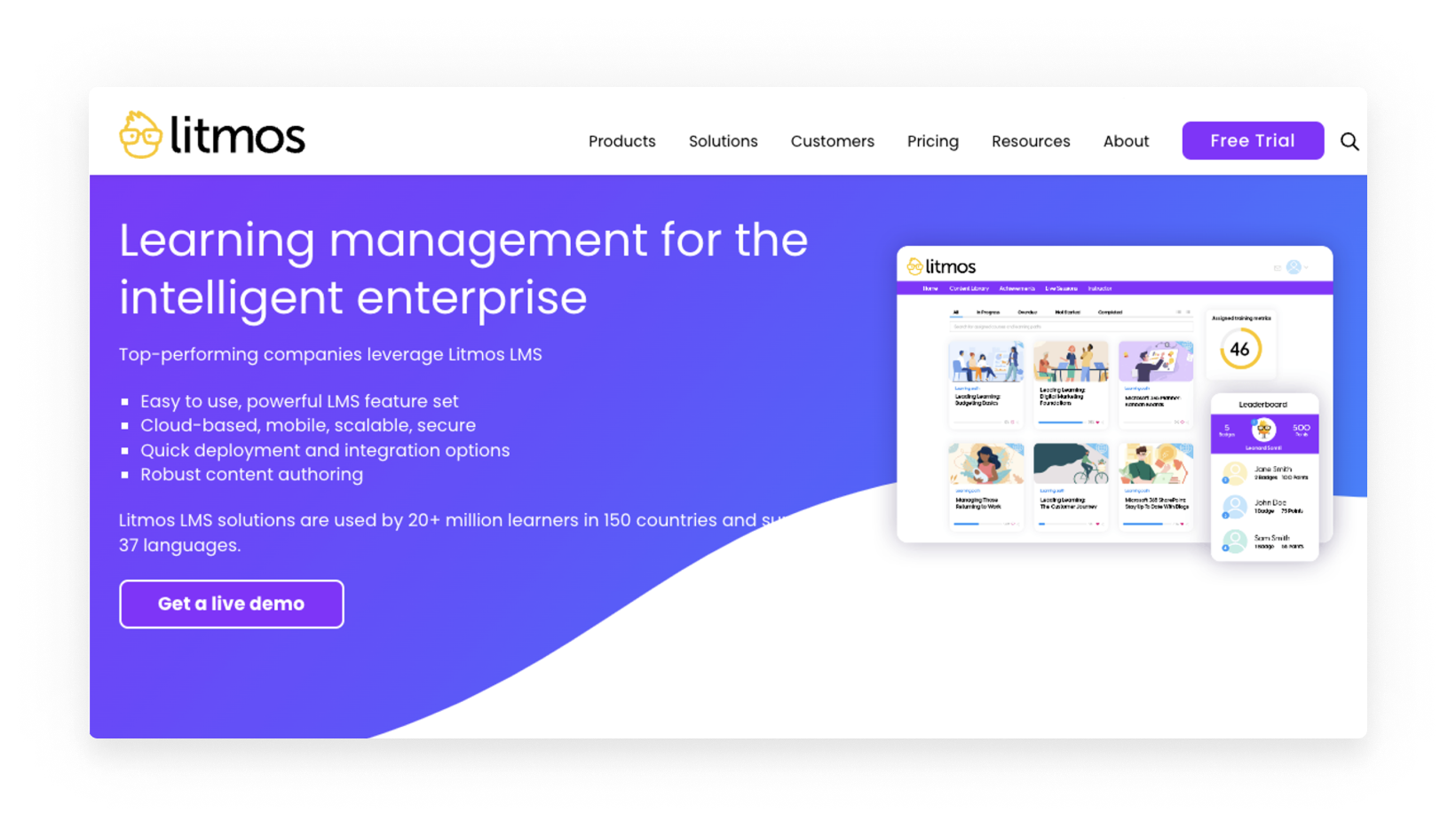
Litmos LMS aims to get learning programs up and running quickly. Using this platform, companies can choose or build your training content and launch in minutes. If you’re ready to get your learning program launched yesterday – this is a good option to consider.
Key features of Litmos LMS:
- Built-in content authoring: Litmos allows you to create engaging and informative learning content directly within the LMS platform.
- Learner engagement tools: The platform keeps learners motivated and participating in their courses. These features include gamification elements and video assessments that allow learners to demonstrate their knowledge and skills more interactively.
- Robust reporting and analytics: Litmos provides comprehensive reporting and analytics that allow companies to track learner progress, measure the effectiveness of training programs, and identify areas for improvement.
5. Adobe Learning Manager
Good for enterprises using Adobe content
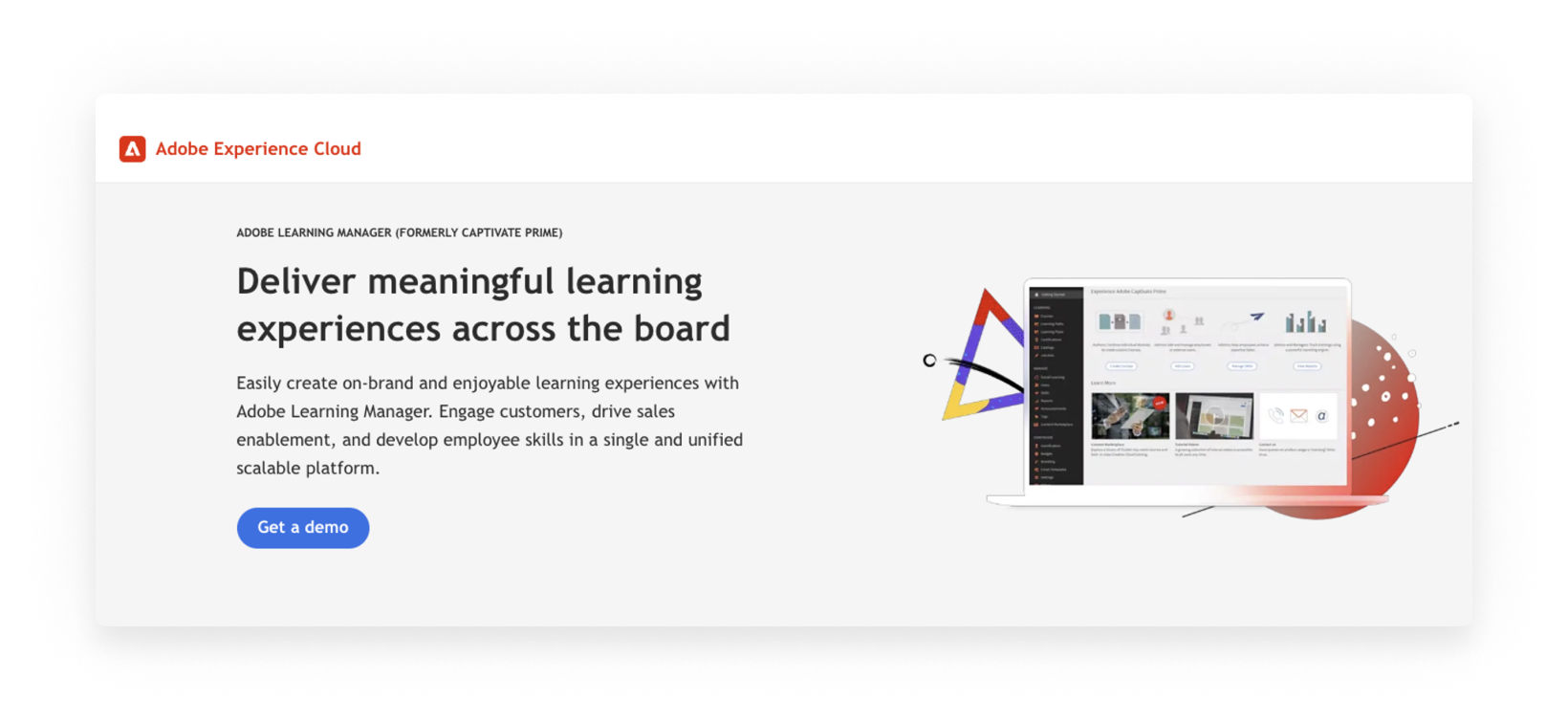
Adobe Learning Manager (formerly Captivate Prime), a strong contender in the enterprise LMS space, is designed to provide engaging and immersive learning experiences. With a comprehensive set of features, this LMS focuses on delivering personalized training content, fostering collaboration between learners, and efficient content delivery.
Key features of Adobe Learning Manager:
- Fluidic player: Enjoy compatibility with multiple content formats and media types, such as eLearning courses, videos, and documents, through Adobe Captivate Prime's fluidic player.
- Leverage Adobe content: Easily integrate existing Adobe content, such as Adobe Captivate and Adobe Presenter files, into your LMS to deliver engaging training material.
- Collaboration and social learning: Encourage skill-sharing and collaboration among employees with discussion forums and social learning features.
6. Cornerstone
A solid all-in-one solution
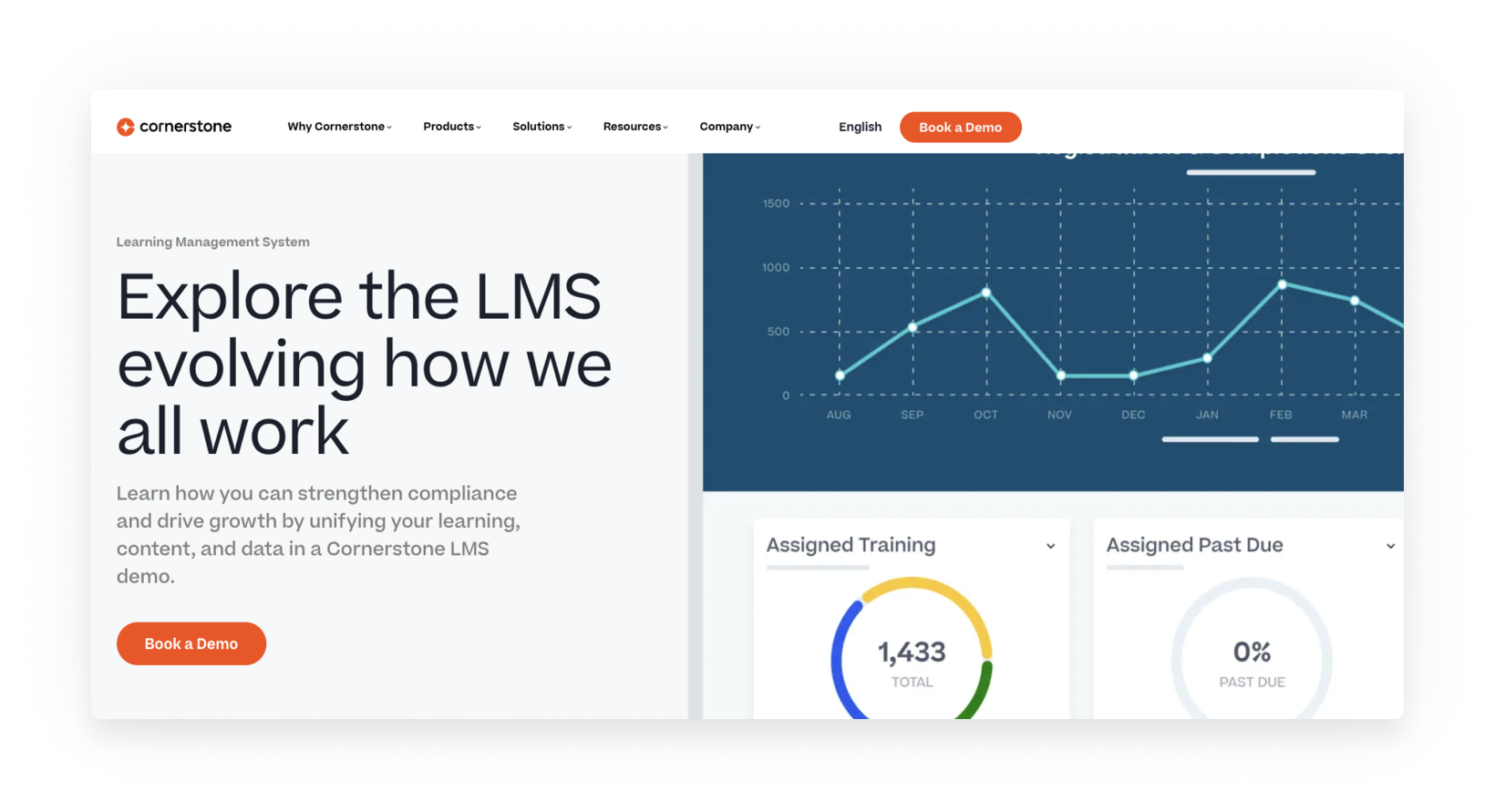
Cornerstone is a good match for organizations that need a comprehensive and scalable LMS. Recognized for its ability to deliver dynamic and engaging learning experiences, this LMS is well known in the industry.
Key features of Cornerstone:
- Content customization: Cornerstone personalizes learning journeys by tailoring content to specific roles, departments, or skill gaps.
- Social and collaborative learning: Fosters knowledge sharing with features like discussion forums, peer feedback, and social learning activities.
- Microlearning and gamification: Breaks down complex topics into short modules and gamifies the learning process for users.
7. Workday
For organizations looking for an integrated experience

For companies seeking a streamlined and integrated approach to L&D, Workday is a compelling solution. It offers an interactive solution that doubles as both an LMS and a learning experience platform.
Key features of Workday:
- Unified HCM platform: Workday HCM integrates learning management with core HR functionalities like performance management and talent management.
- Focus on user experience: Workday boasts a modern and intuitive interface, making it easy for employees to access training materials and complete courses on the go.
- Automated workflows: Automates administrative tasks like course enrollment and progress tracking.
6 tips to choose the best enterprise LMS for your organization
Choosing the right enterprise LMS depends on your organization's specific needs and goals. Here are some tips to help you make the best decision:
1. Look for real AI depth
- Accelerate outcomes, not just automate tasks: Findings from the AI in learning report show that he market is splitting into two camps — organizations using AI-powered learning to accelerate outcomes, and a stubborn 27% who haven't started. More telling, 36% of that group say they're unlikely to ever try it. For enterprises comparing LMS platforms today, choosing a system without real AI depth means slower course creation, static learning paths, and weak links to performance. The gap between the two camps is widening.
- Personalized, adaptive learning: AI should do more than surface content — it should learn each person's preferred formats, the skills they're building, and how much time they typically have, so every recommendation sharpens over time.
- On-demand support in the flow of work: Look for a platform where AI can deliver quick answers, micro-learning, and on-the-spot clarifications directly in the tools your team already uses — without pulling them into a separate system or forcing them through a full course.
- Data that connects learning to results: AI-powered analytics should go beyond completion rates, helping managers and admins ask plain-language questions and get specific answers about who's certified, who's at risk, and how training connects to the business metrics that matter.
2. Identify your needs
- Number of learners: How many employees will be using the LMS?
- Content types: What kind of training content will you be delivering (e.g., videos, interactive courses, live webinars)?
- Features required: Do you need features like gamification, social learning, or mobile access?
- Budget: How much are you budgeting for your LMS?
3. Research different options
- Reviews: Look at review sites like G2 or Capterra to see what other users are saying about different LMS platforms.
- Industry talk: Consider attending industry webinars or conferences to learn more about the latest LMS features.
4. Focus on user experience
- Intuitive for users: The LMS should be easy to use for both administrators and learners.
- Mobile-friendly design: Ensure the LMS is accessible and functional on various devices.
5. Consider scalability
- Created for growth: As your organization grows, you'll need an LMS that can scale to meet your needs.
- Prioritize cloud-based: Reseach cloud-based learning platforms so you don’t have to manage physical servers or worry about storage limitations.
6. Look for good customer support
- Implementation support: A responsive customer service team can provide guidance during the initial setup, answer your questions, and troubleshoot tech issues.
- Ongoing partnership: An LMS is an ongoing investment in your organization's learning. Choosing a collaborative LMS vendor shows their commitment to building a long-term partnership with you, providing ongoing support for learners and administrators.
Your turn: Start LMS shopping
Choosing the right enterprise LMS depends on your specific needs and priorities. This guide explored seven popular options, each with unique strengths and features.
Now it’s time for action! Lay out your organization’s needs and start shopping for your LMS. We also make it easy for enterprises to switch to Absorb LMS with a plan in place to migrate data. Ready to talk details? We’re here for it!
See how Absorb LMS can help you better grow your business through learning. We've worked with thousands of people who need to deliver training. Your job is tough enough, let's get you started on the right track. Book a demo to learn more.